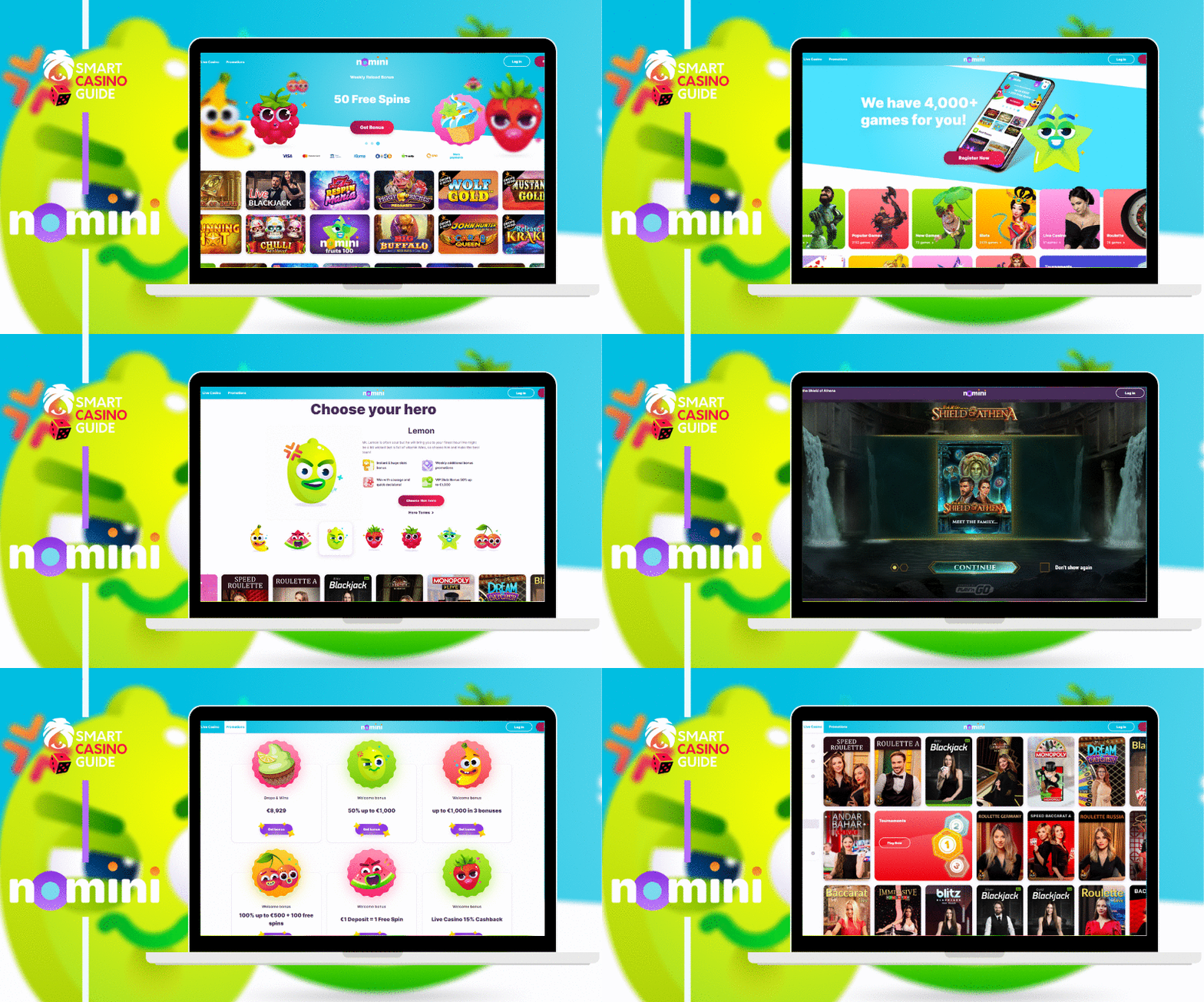
Ensuring a casino app up to date is one of the easiest habits for UK players to overlook, but it is more important than most people recognize. When an app like Nomini Casino releases a new version, it nearly always delivers security improvements, fresh game titles, and faster performance. New players often believe an older version will work indefinitely. That seldom proves accurate. Operating systems shift, payment providers tighten their requirements, and casinos roll out new responsible gambling tools. Once you comprehend how updates work, you sidestep login errors, disappeared promotions, and lagging load times. This guide covers what an update actually changes, why you should care, and how to handle it on both iOS and Android.
Why Casino App Updates Are Important
Casino app updates go beyond about introducing another slot machine or a new roulette table. They patch security gaps that could expose personal data or payment details. In the UK, licensed operators must satisfy strict data protection and fair play rules. An outdated app might lose compliance, which can cause restricted access or delayed withdrawals. Updates also ensure the app in sync with your phone’s operating system. An app built for an older version of iOS will often malfunction after a big phone update. Keeping the Nomini Casino app updated means fewer interrupted sessions, consistent access to live dealer games, working cashiers, and reliable customer support.
Frequent Update Issues and How to Solve Them
Every so often, an update refuses to install or causes the app to act oddly. You might see a stuck download bar, an “unable to install” message, or a blank screen after launch. Most of the time the fix is simple. Restart your phone and try again. Check that there’s enough free storage—delete a few apps or videos if you’re tight. Confirm that the date and time settings are correct, because mismatched clocks can break secure connections. If the issue lingers, uninstall the app and download the fresh version from the official store. Make sure you have your login details handy before you reinstall, since you’ll need to sign in again.
System Requirements and Basic Needs
Before you hit update, ensure that your device satisfies the minimum requirements. For iOS, the Nomini Casino app generally demands a recent release—iOS 14 or later is standard. On Android, Android 8.0 or newer is the standard baseline. Older phones can still open the app, but performance often drops. Storage space matters too: updates can land anywhere between 50 MB and over 200 MB, so deleting unused apps or old photos helps. A steady internet connection is non‑negotiable during installation. If the app uses a VPN and the update doesn’t work, try disabling the VPN temporarily—some https://www.goal.com/en-ke/news/sportpesa-rafiki-bonus-getting-paid-through-a-friend/blt62cdcd5af074602e UK networks and app stores restrict connections routed through certain locations.
Which things Usually Changes in an Update
Most casino app upgrades belong to three general categories. Safety and stability patches head the list: crash patches, login bug repairs, payment execution corrections. Then you obtain new content—new slot releases, live casino tables, or a redesigned promo section. Compliance work forms the third category, where the operator adjusts things to match shifting UK Gambling Commission requirements. Not every update shouts for attention. Some releases quietly enhance background performance or cut battery drain without a eye-catching new feature. You won’t have to parse every technical note, but the pattern holds: a current app works safer, faster, and with tsn.ca fewer hiccups than an outdated one.
Safety and Responsible Gambling Tools in Versions
Many users realises that updates often improve responsible gambling options nomini-casino.co.uk. UK operators must include deposit limits, session reminders, and self‑exclusion choices. An outdated app may fail to synchronise those tools with the operator’s central platforms, meaning your preferred limits may not kick in straight away. An update can restore that link and enforce your settings in real time. Security patches also guard payment details and login credentials. This is notably crucial if you load your account with mobile banking or an e‑wallet. A modern app may not ensure security, but it’s a strong first line of defense against frequent mobile threats.
Steps to Check for Updates on Android
Android device users should launch the Google Play Store, tap the profile icon, and go to “Manage apps & device.” Under “Updates available,” you’ll see all apps with a fresh version. If Nomini Casino appears, tap “Update.” Most phones can restrict automatic updates to Wi‑Fi exclusively, which is a prudent default for anyone minding a data cap. Use the official Play Store or the operator’s verified website—never download APK files from random forums. Modified installers can carry malware or tampered code. It’s just as important to keep your Android system updated, because an older OS might not support the app’s latest security protocols.
How to See Updates on iOS
On an iPhone or iPad, you handle updates through the App Store. Access the App Store, tap your profile picture in the top right corner, then pull down to refresh the screen and scroll to see pending updates. If the Nomini Casino app shows up, just tap “Update” and it will install the latest version. You can turn on automatic updates in your device settings under “App Store” for a hands-off approach, but it’s still smart to do a manual check before a planned gaming session. Use a stable Wi‑Fi connection—update files can be large and you don’t want to waste mobile data on a patch.
Key Tips for Handling Casino App Updates
Following a few easy habits ensures stress‑free updates. Here are the top tips for British players with the Nomini Casino app:
- Turn on automatic updates through Wi‑Fi to avoid eating into your mobile data allowance.
- Perform a fast manual check at least once a week, mainly prior to you deposit or withdraw money.
- Maintain your phone’s operating system up to date in tandem with the casino app—both need to remain in sync.
- Download only updates from the authorised App Store, Google Play Store, or the confirmed Nomini Casino portal.
- Flush the app cache post a large update in case performance feels more sluggish than typical.
- Get help from customer support in case an update continuously fails or erases a feature you depend on.
These steps let you steer clear of missing new games or promotions and ensure the experience stays smooth. They also strengthen responsible gambling because deposit limits and reality check tools stay in sync with the operator’s servers.
Anticipating New Updates
There’s no rigid timetable for casino app updates, but the majority of operators release something every couple of weeks. Bigger updates typically to arrive monthly, whereas urgent security patches can appear at any time. If you spot a new game advertised on the Nomini Casino website but can’t find it inside the app, search for an update prior to messaging support. Similarly, if a payment method fails, a fresh version often restores it. Turning on app store notifications offers you a nudge when a version goes live, but these aren’t invariably instant, so a quick manual check prior to playing remains the most reliable method.
Casino app updates are a routine part of mobile gaming and they shouldn’t be overlooked. Keeping the Nomini Casino app updated means better security, smoother play, and full access to the latest games and responsible gambling tools. Checking for an update takes a minute and eliminates a lot of common frustrations. On both iOS and Android, the steps are simple when you understand where to look. A well‑maintained app is the basis of a safe, enjoyable mobile casino experience.
FAQ
Should I update the Nomini Casino app whenever a new version is released?
Absolutely, it’s best. Each update often brings security fixes, new games, and enhancements to payment or responsible gambling tools. Skipping updates can trigger login errors, missed promotions, or reduced speed. Some older versions may limp along, but the most secure, reliable experience comes from the latest official release.
Will updating the app remove my account or saved preferences?
No, updating leaves your account, balance, and saved preferences untouched. Your login details and account data reside on the operator’s servers, not just on your device. You could need to sign in again after an update, but all other data is preserved. If you’re ever unsure, get in touch with customer support before updating.

What’s the best course if the update fails to install on my phone?
To start, restart your device and check that you have sufficient free space. Make sure your internet connection is reliable and that your date and time settings are correct. If the update still doesn’t work, uninstall the app and get the latest version from the official App Store or Google Play Store. Have your login details ready before you set it up again.
Am I able to use the Nomini Casino app on an older iPhone or Android phone?
That depends on the operating system version. Most casino apps, including Nomini Casino, need a fairly recent version of iOS or Android to run securely. Older phones might still install the app but could offer slower performance or missing features. Check the app store listing for current minimum requirements before updating your device or the app itself.
Leave a Reply